How to Login to IGNOU Student Dashboard on Samarth Portal
Indira Gandhi National Open University, established by an Act of Parliament in 1985, provides open, distance, and online education across India through 69 Regional Centres and over 2,000 Learner Support Centres. For the 2026 academic year, IGNOU offers 325 academic programmes, including 45 online programmes through its own Learning Management System. Students manage registration, Ph.D. admissions, and password reset through official Samarth portals. This page explains IGNOU student portal login procedures, password recovery steps, programme selection, and student support contacts.
IGNOU student login: portal access and registration options
IGNOU student login enables open distance and online learners to access registration details and academic services. Candidates log in using registered credentials across official university portals for 325 academic programmes.
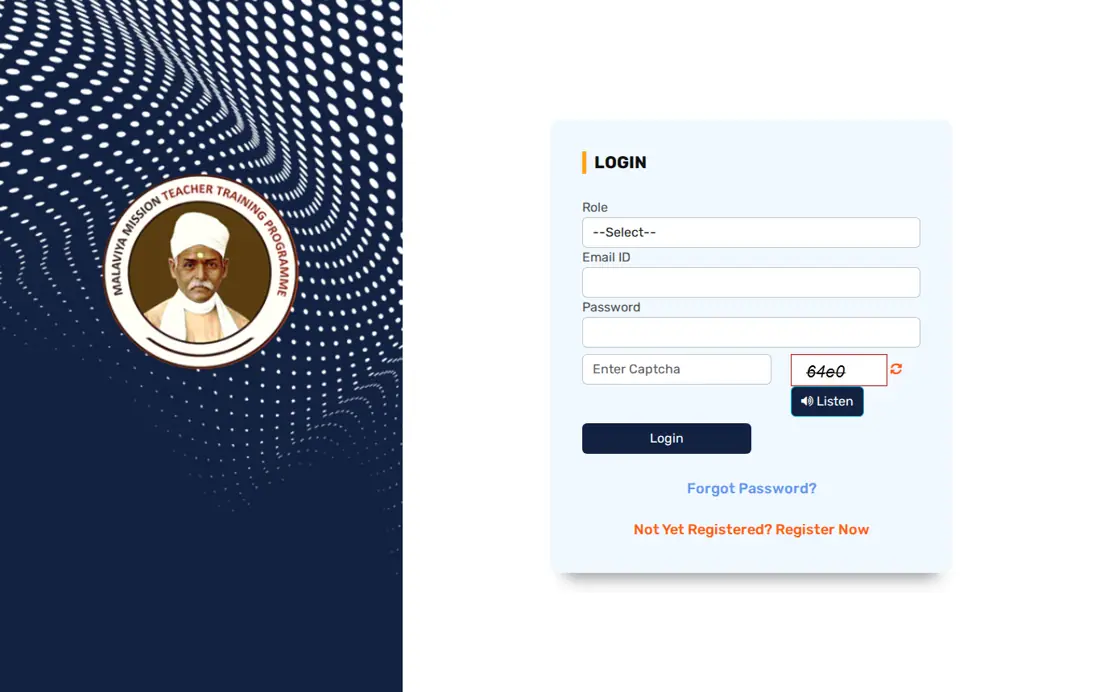
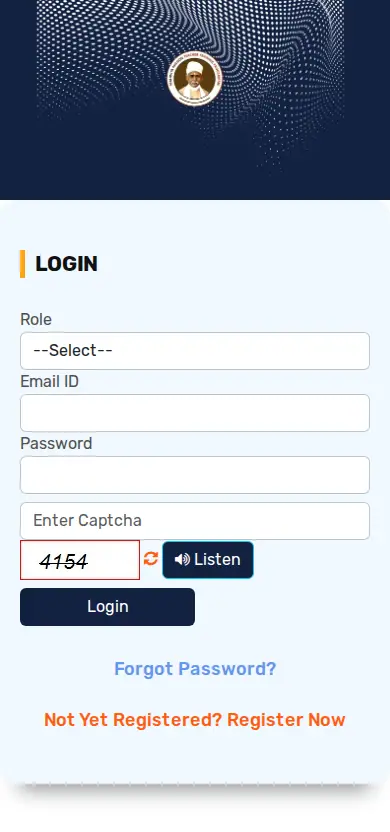
The university provides separate login portals for regular distance learning programmes, Ph.D. admissions, and Malaviya Mission teacher training courses. Learners access these systems using registered email IDs, enrolment numbers, or official username credentials.
- Open the official IGNOU student services directory or Samarth portal link for your specific academic programme.
- Enter your registered email address or enrolment number in the specified username field.
- Type your secure password and enter the security captcha code shown on the screen.
- Select the login button to view your personalized student profile and academic status.
IGNOU student portal: online learning and academic services
The IGNOU student portal connects learners to study materials, examination schedules, and academic counseling resources nationwide. The university serves distance learners through 69 Regional Centres and over 2,000 Learner Support Centres.
Students access digital resources including eGyanKosh, Swayam Prabha channels, and online library services directly through the central student services interface. The portal allows enrolled candidates to track academic progress across undergraduate and postgraduate courses.
IGNOU Student Services and Access Portals
| Service Name | Target Learners | Access Method / Portal |
|---|---|---|
| Student Services Directory | All ODL and Online Students | IGNOU Main Web Portal |
| Learning Management System | 45 Online Academic Programmes | IGNOU LMS Portal |
| Ph.D. Portal | Doctoral Degree Applicants | Samarth Ph.D. Portal |
| Student Grievances (iGRAM) | All Enrolled Students | iGRAM Grievance Interface |
IGNOU ac in login: accessing student services and status
The IGNOU ac in login pathway directs learners to official university administrative services and registration status check pages. Enrolled students verify admission details and fee records through the official IGNOU website.
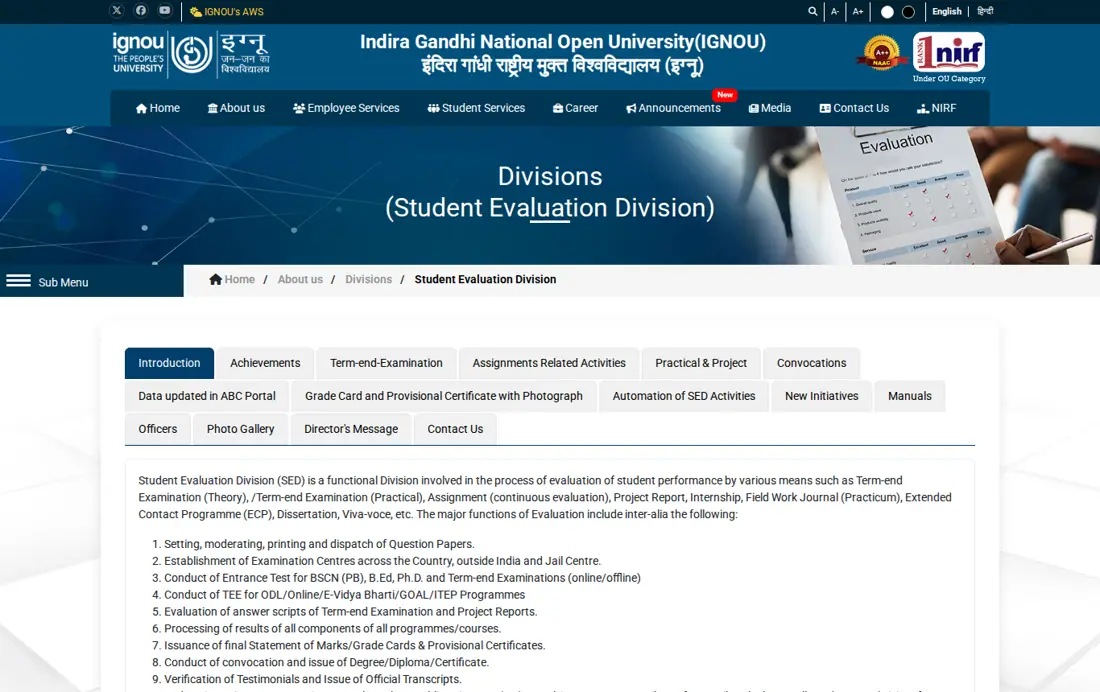
Learners can access academic calendars, re-evaluation request forms, hall tickets, and convocation updates from the central student services directory. Support requests and registration queries are processed by emailing vcostudents@ignou.ac.in directly.
- Check registration status on the official admission status web page
- Download self-learning e-resources and academic counselling schedules
- Submit re-evaluation requests and copies of answer scripts
- Access convocation registration and alumni portal links
IGNOU student services
IGNOU login with enrollment no: student dashboard and admission status
IGNOU login with enrollment no allows admitted candidates to check registration details and program progress on the student dashboard. Learners input their unique enrolment number on the official admission status page.
The registration status portal displays assigned study centres, elective course selections, and regional office mapping for each enrolled student. IGNOU has not published direct enrolment number login fields on the primary Samarth login form as of 30 October 2026.
- Navigate to the official IGNOU registration status page on the main website.
- Enter your assigned enrolment number in the designated status search field.
- Select your enrolled academic programme code from the available dropdown menu.
- Click the submit button to view your full admission dashboard and course details.
IGNOU enrolment number: identification and status lookup
The IGNOU enrolment number serves as a unique student identifier across all official examinations, assignments, and administrative records. The university issues this number upon confirmation of admission into ODL or online programmes.
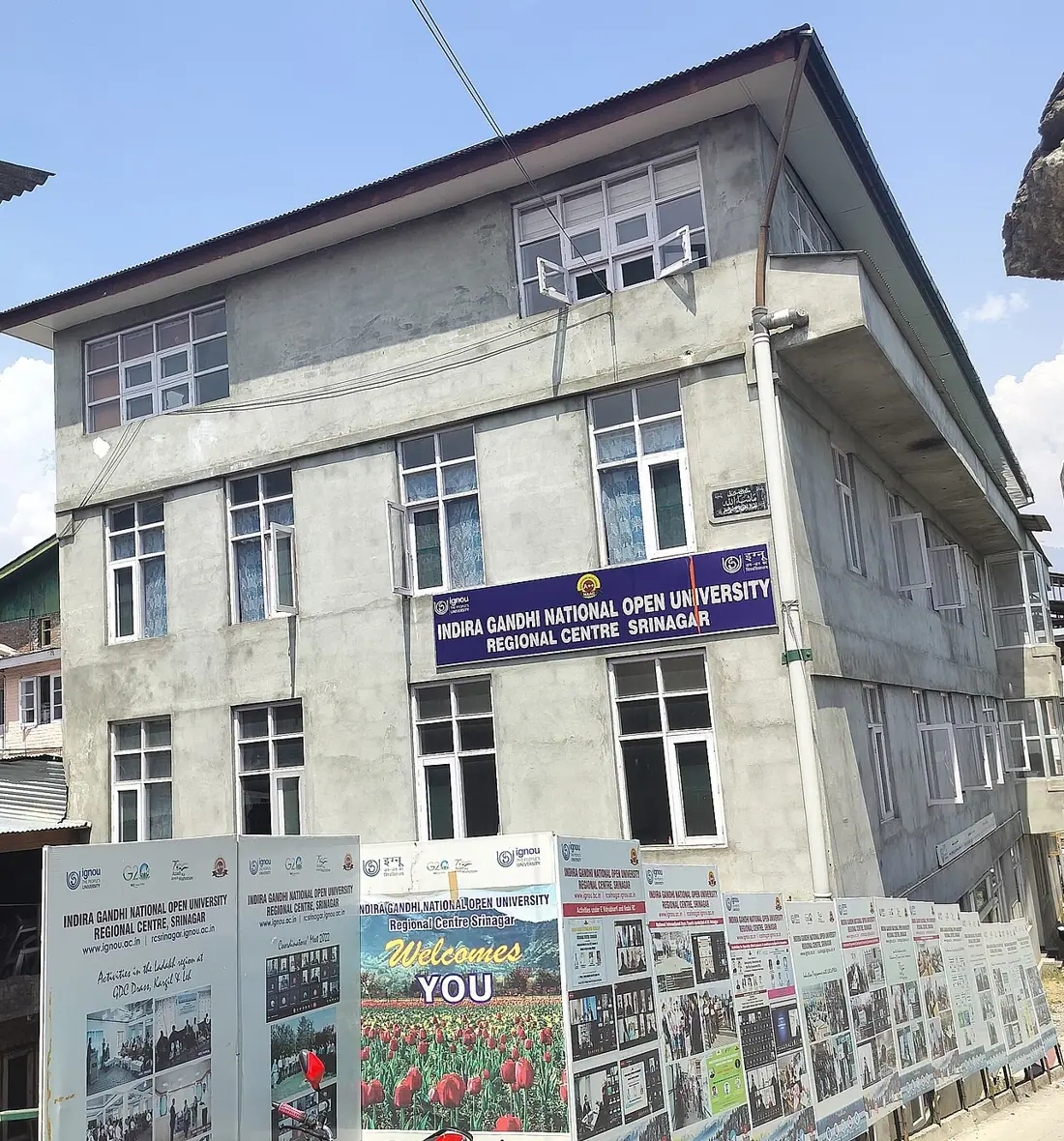
Students who forget their enrolment number can locate it on their official admission confirmation communication or control number receipt. Candidates can also verify enrolment details by contacting their assigned Regional Centre or emailing vcostudents@ignou.ac.in.
- Check the original admission confirmation email or text message sent by IGNOU
- Locate the control number on your submitted admission application form
- Verify identity records at your assigned IGNOU Regional Centre office
- Send an email query with personal details to vcostudents@ignou.ac.in
IGNOU LMS portal: online degree programme access
The IGNOU LMS portal provides digital instruction and course delivery for 45 specialized online academic programmes. Learners engage in virtual classes, digital coursework, and online evaluation through the university learning management system.
Online programmes include specialized degrees like Bachelor of Computer Applications (Online) and Master of Social Work (Online). Students access e-learning materials, SWAYAM courses, and Gyandhara audio sessions through this dedicated platform.
Selected IGNOU Online Programmes Offered via LMS
| Programme Name | Programme Code | Learning Mode |
|---|---|---|
| Bachelor of Computer Applications | BCA_NEWOL | Online Mode |
| Master of Social Work | MSWOL | Online Mode |
| Bachelor of Commerce | BCOMOL | Online Mode |
| Bachelor of Tourism Studies | BTSOL | Online Mode |
| Post Graduate Diploma in Industrial Safety | PGDINDSOL | Online Mode |
IGNOU registration login: distance and online admission portals
IGNOU registration login portals process new student applications for undergraduate, postgraduate, diploma, and certificate courses. Candidates choose between Open Distance Learning programmes and fully online degree options during registration.
The university offers 325 total academic programmes across 21 Schools of Studies including Computer Sciences, Humanities, and Management. Prospective students create a new user profile using a valid email address and mobile number.
- Visit the official IGNOU web portal and select the Apply for ODL Programme or Apply for Online Programme link.
- Click on the new registration button to open the applicant account creation form.
- Enter your full name, personal email address, mobile number, and chosen security password.
- Submit the registration form to receive your applicant login credentials and control number.


IGNOU re registration portal 2026: course continuation and renewal
The IGNOU re registration portal 2026 allows continuing distance learners to enroll in subsequent years or semesters of their academic program. Students must complete re-registration to continue coursework in undergraduate and postgraduate degrees.
Re-registration applies to multi-year programmes such as Bachelor of Arts (ODL) and Master of Computer Applications (ODL). Candidates log into the re-registration module using their existing enrolment credentials and pay required programme fees online.
- Bachelor of Arts (ODL) – BAG / BA
- Bachelor of Commerce (ODL) – BCOMG / BCOM
- Bachelor of Computer Applications (ODL) – BCA_NEW
- Master of Computer Applications (ODL) – MCA_NEW
- Master of Tourism and Travel Management (ODL) – MTTM_NEW
IGNOU Samarth portal registration: Ph.D. portal and credential reset
IGNOU Samarth portal registration hosts official academic admission modules and credential security systems under domain nomenclature rules. Higher education portals on Samarth follow the standardized institute_short_code.samarth.edu.in web address format.
Ph.D. candidates log into the specialized Samarth portal using encrypted SSL connections to manage doctoral application records. The portal includes search tools, password input fields, and security captcha verification mechanisms.
- Navigate to the official IGNOU Ph.D. Samarth login portal.
- Enter your registered email ID in the specified input field.
- Type your account password and the displayed captcha text.
- Click the login button to open your doctoral student portal dashboard.
IGNOU grievance form: iGRAM complaint portal and query email
The IGNOU grievance form interface, known as iGRAM, allows learners to register academic and administrative support complaints online. Students submit queries regarding admission status, study materials, examinations, and grade cards.
Enrolled candidates can track submitted grievance tickets or send direct email inquiries to vcostudents@ignou.ac.in. The university processes learner queries through its central student services network across all regional centers.
- Access the official IGNOU Student Grievances (iGRAM) portal.
- Select the query category matching your issue, such as admission, examination, or study material.
- Fill in your enrolment number, programme code, personal contact details, and description of the grievance.
- Submit the complaint form to obtain a tracking control number for follow-up.
IGNOU portal password reset: Samarth recovery steps
The IGNOU portal password reset page enables students to restore account access when login credentials are forgotten. Learners perform password recovery directly through the central Samarth student registration utility.
The password reset module requires candidates to identify their specific academic programme from a comprehensive dropdown directory. Students select codes covering certificate, diploma, undergraduate, and postgraduate courses before submitting recovery requests.
Sample Academic Programme Options on Samarth Reset Password Page
| Programme Code | Full Programme Title | Study Mode |
|---|---|---|
| BA | Bachelor of Arts | ODL |
| BCA_NEW | Bachelor of Computer Applications | ODL |
| BCOMOL | Bachelor of Commerce | Online |
| BLIS | Bachelor of Library and Information Science | ODL |
| BSCG | Bachelor of Science | ODL |
IGNOU login troubleshooting: portal errors and contact support
IGNOU login troubleshooting helps learners resolve access issues caused by incorrect credentials, browser errors, or system lockouts. Enrolled students should verify official domain names and secure connection status before submitting sensitive details.
Official IGNOU portals operate on secure SSL protocols using.ac.in or.edu.in domain extensions. When login failures persist, learners can contact university help desks or request credential verification through official support channels.
Common IGNOU Portal Login Issues and Resolution Actions
| Login Issue | Possible Cause | Recommended Resolution Action |
|---|---|---|
| Invalid Password | Incorrect characters entered | Use Samarth reset password page to set a new password |
| Programme Code Missing | Wrong selection in dropdown | Verify programme code on admission status sheet |
| Ph.D. Portal Failure | Unencrypted network connection | Ensure URL uses HTTPS protocol on IGNOU Ph.D. portal |
| Unresolved Credentials | System data mismatch | Email query details to vcostudents@ignou.ac.in |
IGNOU login portals comparison: Samarth portal versus LMS portal
Comparing IGNOU login portals helps students determine whether to access the Samarth platform or the dedicated LMS portal. Each digital platform serves distinct student requirements based on course delivery mode and administrative tasks.
The Samarth portal handles general administrative tasks, Ph.D. admissions, and password reset procedures for ODL learners. The LMS portal provides digital instruction, virtual classrooms, and course content specifically for 45 online programmes.
Comparison of IGNOU Samarth Portal and Learning Management System
| Feature / Attribute | IGNOU Samarth Portal | IGNOU LMS Portal |
|---|---|---|
| Primary Purpose | Administrative management & Ph.D. admissions | Online course instruction & virtual classes |
| Target Learners | ODL students & Ph.D. candidates | 45 Online degree programme students |
| Key Services | Registration status, password reset, Ph.D. login | Virtual classrooms, e-learning, digital content |
| Authentication Type | Registered email ID or enrolment credentials | LMS student user credentials |
IGNOU ABC ID and DEB ID: official university portal status
IGNOU ABC ID and DEB ID guidelines reflect national digital credit framework and distance education regulatory mandates for higher education. These identification frameworks assist in tracking academic credits and verifying distance programme approvals.
IGNOU has not published specific ABC ID or DEB ID login fields or integration rules on its primary student login portal as of 30 October 2026. Learners needing credit transfer or distance status updates should consult their Regional Centre or contact vcostudents@ignou.ac.in.
- Contact assigned IGNOU Regional Centre for academic credit verification assistance
- Email student queries to vcostudents@ignou.ac.in for registration status clarification
- Check the main IGNOU student services page for official regulatory updates
IGNOU student login next steps: official action for learners
Enrolled and prospective learners should log into their respective IGNOU portals today to verify registration details and course access. Students experiencing credential issues should submit a password reset request or email vcostudents@ignou.ac.in as of 30 October 2026.
Candidates must ensure all portal interactions are conducted through official academic domains using secure HTTPS connections.
Where to go on the IGNOU site
- Access IGNOU Samarth student portalignou.samarth.edu.in ↗
- Access IGNOU main student servicesignou.ac.in ↗
- Reset IGNOU Samarth account passwordignou.samarth.edu.in ↗
- Login to IGNOU Ph.D. portalignou-phd.samarth.edu.in ↗
- Check IGNOU admission and registration statusisms.ignou.ac.in ↗
- Submit student grievance on iGRAMigram.ignou.ac.in ↗
Key facts
- University: Indira Gandhi National Open University (IGNOU)
- Establishment Year: 1985 (Act of Parliament)
- Academic Programmes: 325 programmes (45 Online)
- Regional Network: 69 Regional Centres, 2,000+ Learner Support Centres
- Ph.D. Portal Format: {institute_short_code}.samarth.edu.in
- Student Queries Email: vcostudents@ignou.ac.in
Notices and Documents from IGNOU
- In-person training program for UG and PG Mathematics teachers at IIT Madras PDF — IIT Madras MMTTP mathematics training program notification
Common IGNOU Questions
How to login to the IGNOU student portal to manage course details?
IGNOU students log into official portals by visiting the student services directory or the Samarth platform. Candidates enter their registered email address or enrolment credentials along with their account password. For Ph.D. candidates, login is conducted on the dedicated Samarth portal using registered email credentials over an SSL encrypted connection. Additional student services and status checks are accessible via the main IGNOU web portal.
ignou login kaise kare?
IGNOU me login karne ke liye official student portal ya Samarth web portal par jayein. App apne registered email ID aur password se portal par log in kar sakte hain. Online programmes ke chaatra IGNOU ke Learning Management System (LMS) portal dwara virtual classes access karte hain. Password bhoolne par Samarth password reset page par jaakar apna programme code chun kar password badlein.
ignou login with enrollment no kaise kare?
IGNOU me enrolment number se admission status dekhne ke liye official admission status web page par jayein. Student wahan apna enrolment number darj karke aur apna programme code chun karke submit button par click karte hain. Main Samarth login portal par primary login email ID dwara hota hai. Enrolment number status page se aap assigned study centre aur elective courses dekh sakte hain.
ignou enrollment number forgot hone par kya kare?
IGNOU enrolment number bhoolne par chaatra apna original admission confirmation email ya control number receipt check karein. Candidates apne allotted Regional Centre office se sampark karke bhi enrolment details praapt kar sakte hain. Iske alawa vcostudents@ignou.ac.in par email bhejkar registration details mangwai ja sakti hain. IGNOU ne portal par direct enrolment number recovery lookup feature pradan nahi kiya hai.
ignou enrollment number kaise nikale?
IGNOU enrolment number nikalne ke liye apne admission application control number ko admission status page par enter karein. Admission confirm hone par IGNOU dwara email aur SMS par enrolment number bheja jata hai. Yadi aapko email praapt nahi hua hai to apne Regional Centre par identity proof ke saath sampark karein. Student support team ko vcostudents@ignou.ac.in par email bhejkar bhi details praapt kar sakte hain.
How do learners reset their password on the IGNOU Samarth portal?
Students reset their password by navigating to the official Samarth password reset page. Learners select their specific academic programme code from the available dropdown menu and submit their username or enrolment details. A password reset link or instructions are processed through the Samarth system. Candidates must ensure they select the exact programme code such as BA, BCA_NEW, or BCOM.
Where do learners submit complaints or grievances regarding IGNOU services?
Learners submit academic and administrative complaints online through the official IGNOU Student Grievances portal known as iGRAM. Candidates choose their grievance category, fill in enrolment and programme details, and submit the grievance form. A tracking control number is issued to follow up on the query status. Students can also email student support queries directly to vcostudents@ignou.ac.in.
How do students access online degree programmes on the IGNOU LMS?
Students access 45 online academic programmes through IGNOU’s dedicated Learning Management System portal. Learners log in with their assigned LMS user credentials to attend virtual classes and access digital course materials. Online degrees include Bachelor of Computer Applications (Online) and Master of Social Work (Online). Students can also access supplemental study content via SWAYAM PRABHA channels and eGyanKosh.
In this section
- How Do I Access the IGNOU Samarth Portal? Login, Services and Registration
- How Do I Apply for IGNOU Degree and Convocation Certificates? Online IDMS Portal
- How Do I Download My IGNOU ID Card? Grievance, Portal Login and Details
- How Do I Submit an IGNOU Grievance on iGRAM? Online Complaint and Status Tracking
- How Do I Apply for IGNOU Scholarship? Form, Eligibility and Concession Rules
- How Do I Request IGNOU Name Correction and Change of Address? Portal, Steps and Contact Details
Everything on IGNOU Student Services
ID & Login
- How Do I Access the IGNOU Samarth Portal? Login, Services and Registration
- How Do I Download My IGNOU ID Card? Grievance, Portal Login and Details